
How AI Agents Can Use Human Design for Decision Support and Reports
 By HumanDesign.ai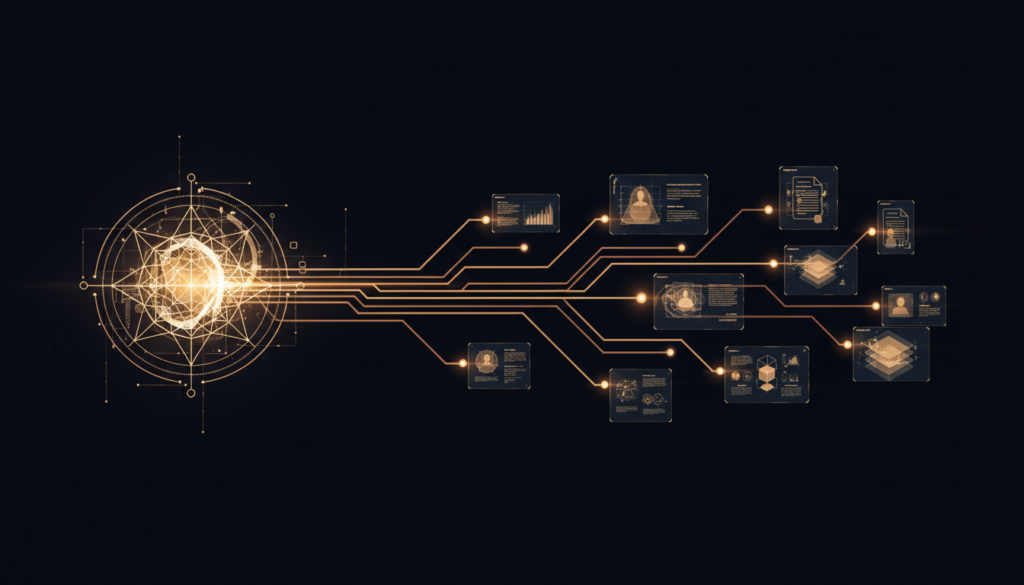
Most AI products that touch Human Design stop at chart display. That is not enough for an agent. An agent needs structured steps, focused outputs, and a path from input data to useful action.
That is the point of Human Design MCP. It lets agents go from birth data to decision guidance, comparison, and report generation in a repeatable way.
Why agents need more than raw chart data
Raw chart data is dense. It contains real signal, but it is not immediately usable in an automation or a product workflow. An agent usually needs something narrower and more practical:
- How does this person tend to make aligned decisions?
- What kind of work environment is likely to support them?
- Where might two people communicate smoothly or miss each other?
- What should a report or follow-up message focus on?
Human Design MCP gives the agent those layers directly.
Core workflow pattern
A practical agent chain often looks like this:
generate_chart
summarize_chart
decision_style_analysis
career_alignment_analysis
generate_full_report
In other words, the chart is the beginning of the workflow, not the end.
Decision support
Decision-making is one of the clearest use cases for Human Design inside AI systems. Agents can use a chart to produce structured guidance around how someone best processes choices, where they may get pulled off track, and what kinds of checks help them make better calls.
That can be used in:
- personal assistants
- coaching products
- journaling workflows
- premium onboarding sequences
The output is not meant to tell someone what to do. It is meant to give a better framework for how they decide.
Structured reports
Report generation is the second major use case. Instead of hand-writing every chart summary or insight section, an agent can use Human Design MCP to produce consistent sections and full reports with a shared structure.
That is useful for:
- coach handouts
- premium chart reports
- client onboarding summaries
- lead magnet or upsell workflows
Because the outputs are structured, they are easier to review, post-process, brand, or convert into HTML, PDF, email, or app content.
Comparison workflows
Agents can also compare two charts to support relationship analysis, collaboration guidance, and communication summaries. That is much more useful than simply saying two people are “compatible” or “not compatible.”
A serious workflow asks:
- Where are the likely strengths between these two people?
- Where does friction tend to appear?
- How should communication be framed?
- What decisions should be made together and what should stay separate?
That is the level agents can work at when the protocol surface is built correctly.
Why this matters commercially
This is not only for enthusiasts. It is useful when a business wants differentiated people insight inside a product. Human Design MCP can sit behind a consumer app, a coach workflow, or an internal assistant.
That creates a stronger product than simply embedding a generic LLM prompt about personality. The agent has a real tool layer, not just a prompt layer.
One practical example
Imagine a user says: “I am deciding whether to leave my role, but I feel split.” A connected agent can:
- Generate the chart
- Summarize decision style
- Analyze career alignment
- Generate a report section with strengths, friction points, and next-step questions
That is a much higher-value interaction than returning a block of theory or a wall of unstructured text.
Where to explore it
You can explore the public product and docs at HumanDesignMCP.com. The live remote MCP endpoint is api.humandesign.ai/mcp.
For teams building agent products, the real opportunity is not “AI plus spirituality.” It is better context, better workflow design, and more useful outputs.