
Human Design MCP for Team Dynamics, Communication, and Enterprise Workflows
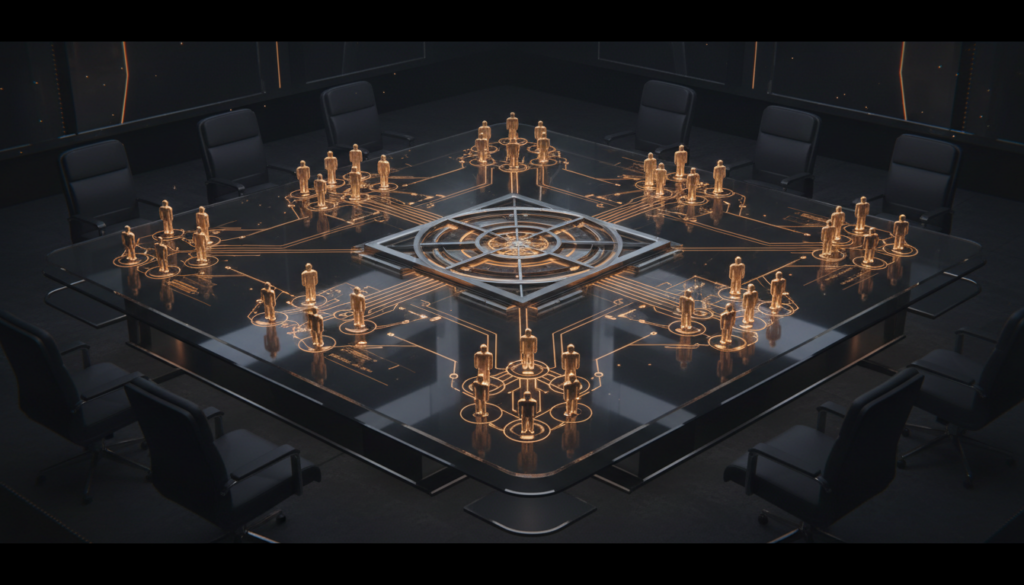
Most enterprise teams are not looking for more personality content. They are looking for better ways to understand communication, working style, friction, and fit inside tools that people already use.
That is where Human Design MCP becomes interesting.
From individual chart to team workflow
On its own, a Human Design chart is personal insight data. Through MCP, it becomes something a team assistant, internal copilot, or reporting workflow can actually use.
The question shifts from “What does this chart mean?” to “How can an agent use this context to support better collaboration?”
Practical enterprise use cases
- team workshop preparation
- communication-style summaries
- founder or leadership collaboration analysis
- role-fit conversations
- structured people-insight reports for internal use
These are not about making hiring decisions from a chart. They are about giving teams better language for how people work, communicate, and make decisions.
What a team-focused agent can do
A connected agent can compare charts, identify likely collaboration strengths, surface friction patterns, and generate guidance that is easier to use in a workshop or internal discussion.
That can help teams answer questions such as:
- Where are two leaders likely to move quickly together?
- Where are they likely to trigger each other under pressure?
- How should communication be framed for this team?
- What role conditions seem likely to support or drain someone?
Why MCP matters here
Enterprise workflows need standards. MCP provides the integration pattern: tools, resources, and prompts that an agent can use consistently. That is far more useful than having a custom prompt hidden inside one internal chatbot.
It also means a team can treat Human Design as one context source among many, rather than a disconnected niche tool.
Useful boundaries
There is an important line to keep clear: Human Design MCP should support conversation and context, not replace judgment. It is not a system for automatic hiring decisions or deterministic scoring. Used well, it helps teams ask better questions and understand interaction patterns more clearly.
Why this matters for internal AI products
More companies are experimenting with internal assistants for management, team enablement, and people operations. The quality of those assistants depends on the quality of the context they can access.
Human Design MCP offers a differentiated context layer around decision-making, communication, and role fit. That is useful for companies that want something more nuanced than generic profiling, but still structured enough for real product use.
One realistic workflow
- Generate charts for the relevant team members
- Compare the charts for collaboration and communication patterns
- Generate a workshop summary or team guidance report
- Use the output inside a human-led discussion
That is a practical enterprise use case. It is focused, bounded, and commercially useful.
Where to learn more
If you are exploring Human Design inside team or enterprise workflows, start at HumanDesignMCP.com. The live remote endpoint is api.humandesign.ai/mcp.
The long-term opportunity is not just “Human Design for individuals.” It is human insight infrastructure for AI systems that support real work.